Strategies
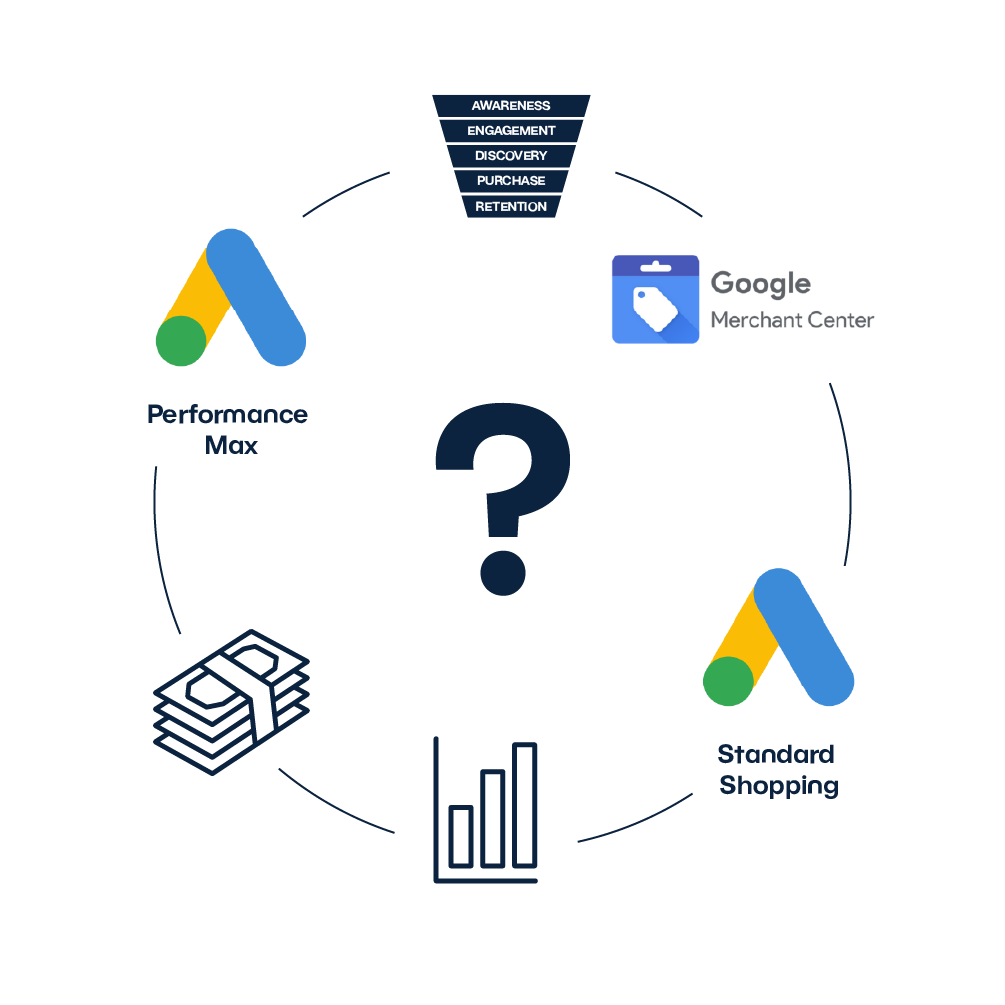
So how should you approach your Google Shopping campaigns? Here are some of the strategies we use most often. As mentioned above, strategies are heavily dependent on the variables described and different approaches can be used (or at least tested) in each account. The described strategies can also be combined with each other.
1. One PMAX campaign
In what situation can one Performance Max campaign be enough in an account? These are cases when we don’t have a very large budget for campaigns (however, enough for the Performance Max format - activating a Performance Max campaign with a budget of 2 euros/day doesn’t make much sense). At the same time, we have a smaller number of products in the feed, so it doesn’t make sense to categorize the feed into multiple campaigns. On the other hand, we have enough products in the feed for the campaign to test them and get the data needed for an automated strategy.
2. PMAX for Top products and PMAX Rest
The ideal solution for medium or larger Google Ads accounts where we have long-standing featured products in the feed that bring in a significant portion of the revenue. In such categorization we should take into account not only the simple number of conversions, but also for example data from the shopping cart or Google Analytics. Pareto’s 80/20 principle can also be useful here. We recommend applying this strategy when there are a larger number of products in the feed, so that even when split into two PMAX campaigns there is enough data for automated strategies.
3. PMAX and PLA Zombie
A strategy suitable for a feed with fewer products, but at the same time an account where there is enough budget for shopping campaigns. The main PMAX campaign should represent the primary performance portion and the secondary PLA campaign should be used to reactivate underperforming or non-appearing products through manual bidding.
4. Labelizer
The ideal solution from an automation perspective. Do you have a large product feed? Do you find it difficult and time-consuming to regularly define which products are delivering the best results and which products are just spending but not delivering anything? Labelizer will do this categorization for you and will automatically optimize your feed every day.
When engaging this tool, we recommend categorizing Performance Max campaigns into a minimum of 2 campaigns, where one campaign will feature high performing products that meet (or even exceed) the account’s ROAS and the other campaign will feature products that don’t meet the set ROAS. Ideally, then, the campaign on high performing products will spend more of the budget and meet a higher ROAS, while the campaign on lower performing products will spend less and meet a slightly worse ROAS.
This structure can still be supplemented with a Performance Max campaign on the TOP products, where we always want to ensure the highest performance and for some reason don’t want to apply script labeling to them.
5. Availability
Shopping campaigns can also be categorized by product availability. For example, for products in the home furnishings category (sanitaryware, furniture, etc.), many products are only available on demand or are not immediately in stock for some other reason. However, we sometimes also want to display such products in the product ads. For this case, we recommend to divide the products (for example via a custom label in Mergado) into products in stock and products on demand.
6. Margin
Another, but certainly not the last possible approach is to structure campaigns according to the margin of the products. This approach is particularly useful if you have a strict ROI target, where it pays to focus on high-margin products for the client. In this case, the margin (for example, in the form of several levels) usually needs to be implemented in the product feed first.