
Sharing OptiMonk Access
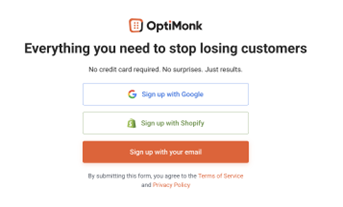
If you don’t have a business account yet, go to the official OptiMonk website and create your profile in the upper right corner under “Get OptiMonk Free.”

Select the most suitable form of registration and fill in all the necessary information.
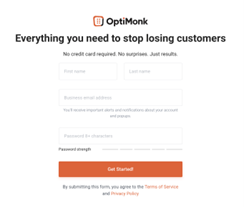
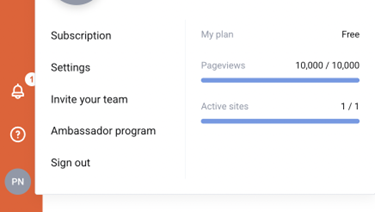
After successfully creating your OptiMonk account, click on your profile icon in the lower left corner and select “Invite your team” from the menu.
In the “invite your team” section, enter the email address of the user you want to add to the account, in this case: tools@proficio.io.
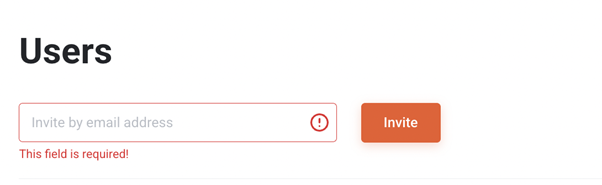
The added user must confirm the invitation to manage the account.
The OptiMonk account sharing should then be successfully completed.